Guides / JPG to SVG for Glowforge
JPG to SVG for Glowforge
JPG files are compressed, which leaves faint blocks and halos around edges. CutVector filters that noise before tracing so you get smooth shapes instead of hundreds of tiny specks. Glowforge’s browser app treats each color in an SVG or PDF as a separate step you can set to cut, score or engrave.
Convert your JPG now — free Runs in your browser. Files never leave your device.
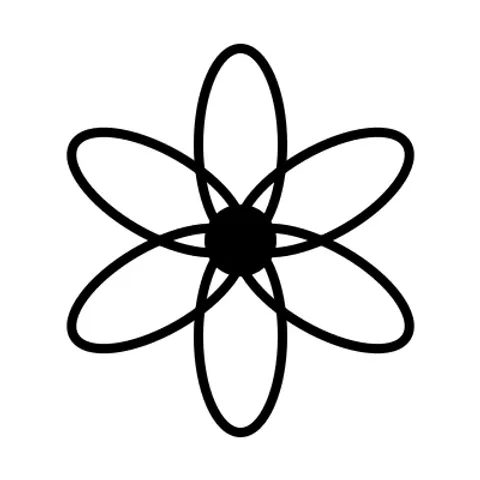
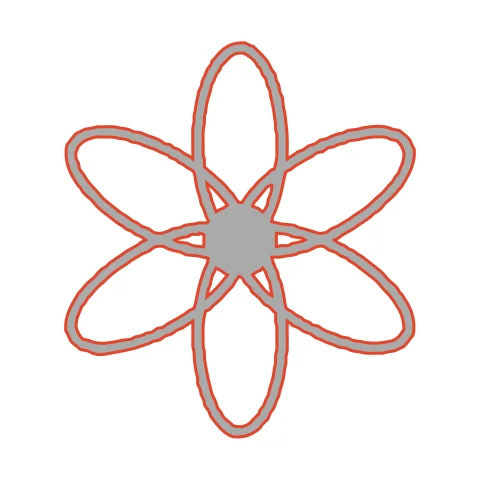
Hand-drawn line art can be engraved as-is or turned into cuttable outlines with Stroke → outline. Each petal outline traces as a closed ring, which the Glowforge app can score in one pass. Engraving it instead gives a bolder line on wood.
How to convert JPG to SVG for Glowforge
- Open CutVector and drop your JPG file (or several at once). Raise “Ignore specks” to 6–10 px for heavily compressed JPGs, phone photos of sketches, or screenshots.
- Pick the Laser cut preset — one welded cut path, kerf-compensated.
- Switch to the Cut lines view and check every outline is where you expect. Adjust Smoothing, Ignore specks or Min hole area if needed.
- Set Output width to the finished size, then download the SVG.
- In the Glowforge app click Upload, choose the SVG or PDF and place it on the material. Assign each color step to Cut, Score or Engrave.
Recommended settings
| Preset | Laser cut for cut-outs, Laser engrave for fills |
|---|---|
| Kerf | 0.1–0.2 mm on 3 mm Proofgrade plywood |
| Colors | Use 2+ to get separate cut/engrave steps |
Works great for
- Wood and acrylic signs
- Ornaments and keychains
- Engraved logos on cutting boards
Not a good fit
- Images with lots of tiny islands (they fall out)
- Unwelded overlapping text
FAQ
Can Glowforge cut line art instead of engraving it?
Yes. Set Stroke → outline to about 1 mm; each drawn line becomes a thin closed shape the laser can cut around.
Score or engrave for line art on Glowforge?
Score is fastest and gives a thin line; engrave gives a wider, darker line. Try score on Proofgrade first and switch if it looks too faint.
How do I make Glowforge cut the outline and engrave the inside?
Export with 2 colors. Glowforge lists each color as its own step — set the outer one to Cut and the inner one to Engrave.
Why does my Glowforge piece come out slightly small?
The beam removes material. Set Kerf to about 0.15 mm so CutVector grows the outline by half that amount and parts fit true to size.
Why does my JPG produce lots of tiny dots?
Those are JPEG compression artifacts. Increase “Ignore specks” and “Min hole area”; both remove fragments that are too small to weed or cut anyway.
Can I convert a photo taken with my phone?
Yes, if it is a high-contrast drawing or print photographed in even light. Fill the frame, avoid shadows, and use a single-color preset with automatic threshold.
Cricut and Design Space are trademarks of Cricut, Inc.; Silhouette, Glowforge, xTool and LightBurn are trademarks of their respective owners. CutVector is an independent tool and is not affiliated with or endorsed by them.
Only convert images you own or have permission to use. See Terms.