Guides / PNG to vector PDF for Glowforge
PNG to vector PDF for Glowforge
Some workflows — Glowforge’s uploader, print shops, and older vinyl cutter drivers — prefer a PDF. CutVector’s PDF contains real vector paths at true physical size, not an embedded picture. Glowforge’s browser app treats each color in an SVG or PDF as a separate step you can set to cut, score or engrave.
Convert your PNG now — free Runs in your browser. Files never leave your device.

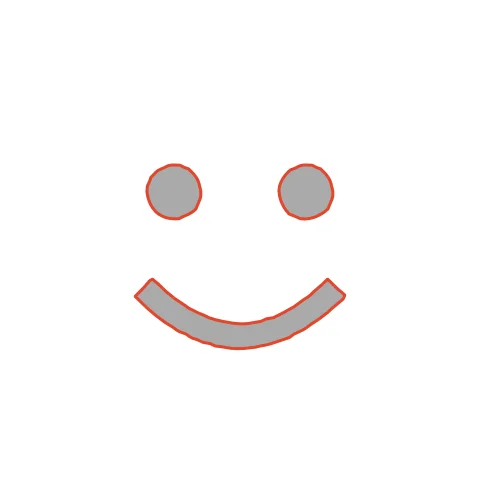
Multi-color art exported as PDF arrives in Glowforge as separate color steps: cut the outline, score details, engrave fills. The yellow face, eyes and mouth each arrive as their own color step. Set the face to Cut, and the eyes and mouth to Engrave for a two-tone ornament.
How to convert PNG to PDF for Glowforge
- Open CutVector and drop your PNG file (or several at once). Set the exact output width before exporting; the PDF page is sized to the design so it imports 1:1.
- Pick the Laser cut preset — one welded cut path, kerf-compensated.
- Switch to the Cut lines view and check every outline is where you expect. Adjust Smoothing, Ignore specks or Min hole area if needed.
- Set Output width to the finished size, then download the PDF.
- In the Glowforge app click Upload, choose the SVG or PDF and place it on the material. Assign each color step to Cut, Score or Engrave.
Recommended settings
| Preset | Laser cut for cut-outs, Laser engrave for fills |
|---|---|
| Kerf | 0.1–0.2 mm on 3 mm Proofgrade plywood |
| Colors | Use 2+ to get separate cut/engrave steps |
Works great for
- Wood and acrylic signs
- Ornaments and keychains
- Engraved logos on cutting boards
Not a good fit
- Images with lots of tiny islands (they fall out)
- Unwelded overlapping text
FAQ
Why use PDF instead of SVG with Glowforge?
Either works. PDF is handy when the same file also goes to a print shop or a colleague without cutting software.
Why does my PDF show more steps than colors I see?
Slightly different shades become separate steps. Lower Colors in CutVector, or merge steps in the Glowforge app by assigning them the same setting.
How do I make Glowforge cut the outline and engrave the inside?
Export with 2 colors. Glowforge lists each color as its own step — set the outer one to Cut and the inner one to Engrave.
Why does my Glowforge piece come out slightly small?
The beam removes material. Set Kerf to about 0.15 mm so CutVector grows the outline by half that amount and parts fit true to size.
Is the PDF vector or just an image?
Vector. Each shape is a filled path, and sticker contours are a magenta stroke, so cutting software sees real cut lines.
What page size is the PDF?
The page is exactly the size of your design (for example 100 × 80 mm), so nothing gets scaled when you import it.
Cricut and Design Space are trademarks of Cricut, Inc.; Silhouette, Glowforge, xTool and LightBurn are trademarks of their respective owners. CutVector is an independent tool and is not affiliated with or endorsed by them.
Only convert images you own or have permission to use. See Terms.