Guides / PNG to SVG for Glowforge
PNG to SVG for Glowforge
PNG is the friendliest input for tracing: lossless pixels, crisp edges and often a transparent background, so the outline CutVector finds is exactly the outline you drew. Glowforge’s browser app treats each color in an SVG or PDF as a separate step you can set to cut, score or engrave.
Convert your PNG now — free Runs in your browser. Files never leave your device.
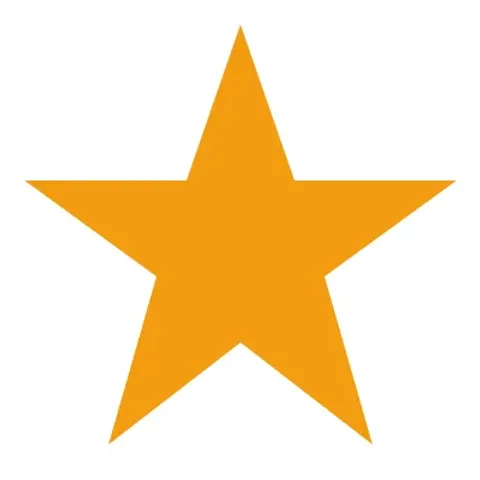
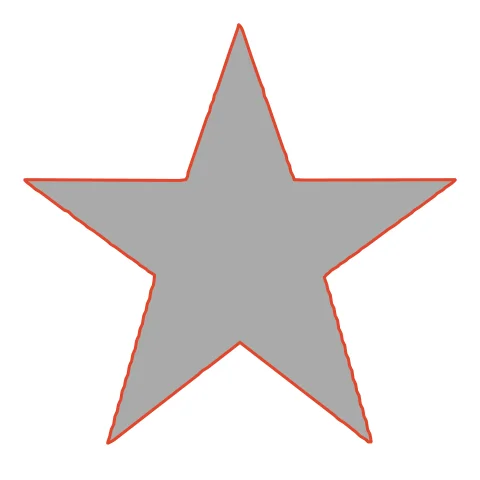
A star with sharp points shows how low Smoothing keeps corners crisp for laser cutting. The star keeps ten crisp tips at Smoothing 2–3, and the Glowforge app reads the single orange color as one cut step. Kerf compensation keeps the points from shrinking.
How to convert PNG to SVG for Glowforge
- Open CutVector and drop your PNG file (or several at once). If your PNG has a transparent background, leave it — CutVector flattens transparency to white and ignores it automatically.
- Pick the Laser cut preset — one welded cut path, kerf-compensated.
- Switch to the Cut lines view and check every outline is where you expect. Adjust Smoothing, Ignore specks or Min hole area if needed.
- Set Output width to the finished size, then download the SVG.
- In the Glowforge app click Upload, choose the SVG or PDF and place it on the material. Assign each color step to Cut, Score or Engrave.
Recommended settings
| Preset | Laser cut for cut-outs, Laser engrave for fills |
|---|---|
| Kerf | 0.1–0.2 mm on 3 mm Proofgrade plywood |
| Colors | Use 2+ to get separate cut/engrave steps |
Works great for
- Wood and acrylic signs
- Ornaments and keychains
- Engraved logos on cutting boards
Not a good fit
- Images with lots of tiny islands (they fall out)
- Unwelded overlapping text
FAQ
How do I keep sharp points sharp on Glowforge?
Lower Smoothing to 2–3. High smoothing rounds the tips, which is fine for vinyl but visible on wood.
Can I cut a star ornament with a hanging hole?
Yes. Add a small white circle near one tip in your image before tracing; it becomes an inner cut on the same step.
How do I make Glowforge cut the outline and engrave the inside?
Export with 2 colors. Glowforge lists each color as its own step — set the outer one to Cut and the inner one to Engrave.
Why does my Glowforge piece come out slightly small?
The beam removes material. Set Kerf to about 0.15 mm so CutVector grows the outline by half that amount and parts fit true to size.
Does a transparent PNG background matter?
No. Transparent pixels are treated as empty space, so only your artwork becomes cut paths. You never get a rectangle around the design.
What resolution should my PNG be?
Aim for at least 800 px on the long side. Small PNGs (under 300 px) trace with wobbly edges because there are too few pixels to describe a smooth curve.
Cricut and Design Space are trademarks of Cricut, Inc.; Silhouette, Glowforge, xTool and LightBurn are trademarks of their respective owners. CutVector is an independent tool and is not affiliated with or endorsed by them.
Only convert images you own or have permission to use. See Terms.