Guides / PNG to SVG for Cricut
PNG to SVG for Cricut
PNG is the friendliest input for tracing: lossless pixels, crisp edges and often a transparent background, so the outline CutVector finds is exactly the outline you drew. Cricut Design Space imports SVG layers as separate colors you can attach, weld and cut on vinyl, HTV, cardstock or Infusible Ink.
Convert your PNG now — free Runs in your browser. Files never leave your device.
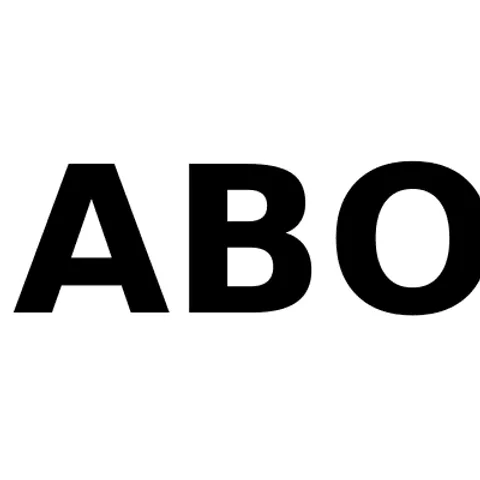
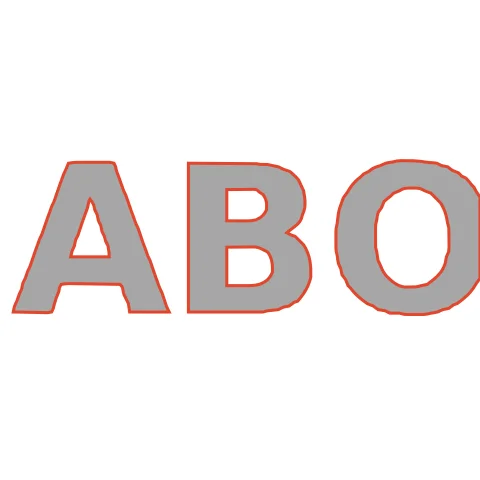
Bold sans-serif lettering like this is the ideal Cricut vinyl input: thick strokes weed easily and the counters inside A and O stay crisp. Because each letter is one closed shape, Design Space shows a single black layer you can recolor to match your vinyl. Size it to the decal width first, then weed from the outside in.
How to convert PNG to SVG for Cricut
- Open CutVector and drop your PNG file (or several at once). If your PNG has a transparent background, leave it — CutVector flattens transparency to white and ignores it automatically.
- Pick the Cricut cut preset — clean layered shapes for vinyl & htv.
- Switch to the Cut lines view and check every outline is where you expect. Adjust Smoothing, Ignore specks or Min hole area if needed.
- Set Output width to the finished size, then download the SVG.
- In Design Space choose Upload → Upload Image → browse to the SVG. Each color arrives as its own layer; click “Add to Canvas” and resize if needed.
Recommended settings
| Preset | Cricut cut |
|---|---|
| Colors | 1 for single-color vinyl, 2–4 for layered HTV |
| Min hole area | 1 mm² — removes pieces too small to weed |
| Weld | On for script fonts |
Works great for
- Vinyl decals and wall lettering
- Iron-on (HTV) shirt designs
- Layered cardstock art
- Car window decals
Not a good fit
- Photographs with soft gradients
- Hair-thin line art under 0.5 mm wide (it tears when weeding)
FAQ
Can I use this for HTV on a T-shirt?
Yes. Export the SVG, upload it to Design Space, and remember to mirror the design before cutting iron-on vinyl.
Should I attach or weld the letters in Design Space?
Attach keeps the letter spacing for one cut on one mat; Weld only if the letters touch. Separate block letters like these are best attached.
Why are my letters cutting as separate pieces on Cricut?
Script letters that touch must be welded. Turn on Weld in CutVector before exporting, or select the layer in Design Space and click Weld.
What size will the SVG be in Design Space?
Design Space reads the millimeter size written in the file, so it imports at the Output width you chose. You can still resize on the canvas.
Does a transparent PNG background matter?
No. Transparent pixels are treated as empty space, so only your artwork becomes cut paths. You never get a rectangle around the design.
What resolution should my PNG be?
Aim for at least 800 px on the long side. Small PNGs (under 300 px) trace with wobbly edges because there are too few pixels to describe a smooth curve.
Cricut and Design Space are trademarks of Cricut, Inc.; Silhouette, Glowforge, xTool and LightBurn are trademarks of their respective owners. CutVector is an independent tool and is not affiliated with or endorsed by them.
Only convert images you own or have permission to use. See Terms.