Guides / PNG to DXF for Silhouette
PNG to DXF for Silhouette
DXF is the CAD exchange format laser and CNC software trusts most. CutVector writes closed LWPOLYLINE shapes in millimeters, one layer per color, so nothing imports at the wrong scale. Silhouette Studio Basic edition opens DXF for free, while SVG import needs Designer Edition or higher — CutVector exports both so you are covered either way.
Convert your PNG now — free Runs in your browser. Files never leave your device.
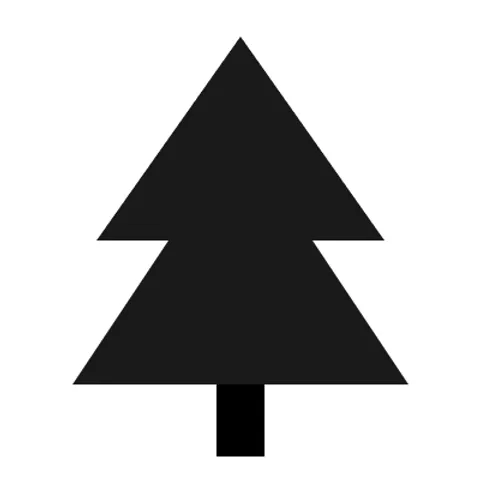
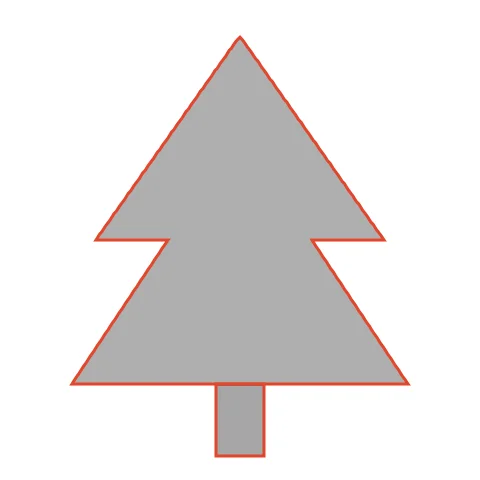
Stacked tree silhouettes make great painting stencils; DXF keeps every point exactly where it was traced. The trunk and canopy weld into one silhouette, which keeps a stencil in one piece. Raise Smoothing for a softer outline that is easier to paint along.
How to convert PNG to DXF for Silhouette
- Open CutVector and drop your PNG file (or several at once). Set “Output width” to the real size you want to cut — DXF files carry millimeter units, so the size you set is the size that imports.
- Pick the Cricut cut preset — clean layered shapes for vinyl & htv.
- Switch to the Cut lines view and check every outline is where you expect. Adjust Smoothing, Ignore specks or Min hole area if needed.
- Set Output width to the finished size, then download the DXF.
- In Silhouette Studio use File → Open (or Import) and pick the DXF or SVG. DXF shapes come in as cut lines; set the cut style to “Cut” if needed.
Recommended settings
| Preset | Cricut cut (works the same for Silhouette) |
|---|---|
| Format | DXF on Basic Edition, SVG on Designer+ |
| Smoothing | 6–8 for fewer nodes and cleaner blade paths |
Works great for
- Cameo and Portrait vinyl projects
- Stencils for painting
- Paper crafts and card toppers
Not a good fit
- Detailed photos
- Tiny text under 5 mm tall
FAQ
Can I make a paint stencil this way?
Yes. Cut the DXF from stencil film; islands (like the inside of letters) need bridges, so keep designs simple or add bridges in your image.
What material should I use for a reusable stencil?
Mylar 5–7 mil cuts well on a Cameo with a deep blade setting and lasts for many paint passes.
Do I need Silhouette Designer Edition?
Not with CutVector: Basic Edition opens DXF files. Export DXF and open it with File → Open.
My DXF opened in Silhouette Studio at the wrong size.
In Preferences → Import, make sure DXF units are millimeters, then re-open the file.
What DXF version and entities does CutVector export?
An AutoCAD-compatible DXF with closed LWPOLYLINE entities, millimeter units ($INSUNITS = 4) and one named layer per color. No splines, which some laser software handles poorly.
My DXF imports tiny or huge. Why?
Some programs ignore DXF units and assume inches. Check the import unit setting is millimeters; CutVector always writes mm.
Cricut and Design Space are trademarks of Cricut, Inc.; Silhouette, Glowforge, xTool and LightBurn are trademarks of their respective owners. CutVector is an independent tool and is not affiliated with or endorsed by them.
Only convert images you own or have permission to use. See Terms.